Indian freelancers and gig workers with irregular income who need a quick way to estimate tax liability and advance tax due dates without hiring an accountant.
How it works
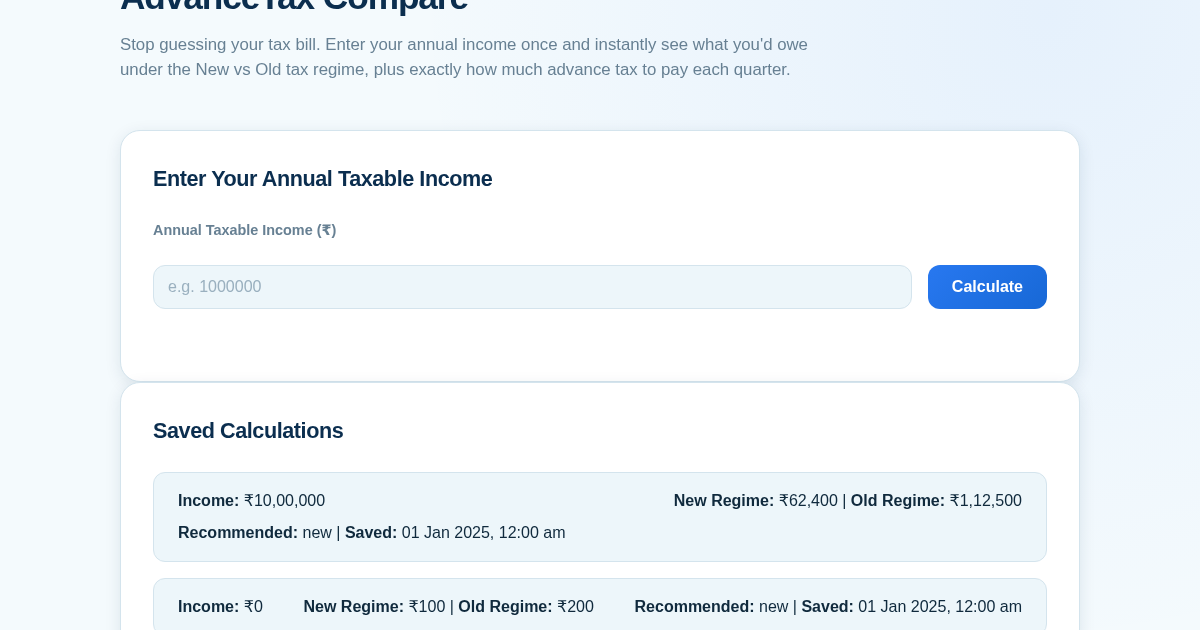
- Enter your annual taxable income as a positive whole number in the input field.
- Click Calculate to see the tax liability computed under both the New and Old regimes side by side, based on fixed FY2024-25 slab rules for a non-senior citizen.
- Review the recommended regime and the amount saved, along with a quarterly advance tax installment breakdown (15%, 45%, 75%, 100% due dates).
- Click Save to persist the calculation to your history, which appears at the top of the list and remains available after a server restart.
What you gain
- Instant side-by-side comparison of New vs Old regime tax
- Automatic recommendation of the lower-tax regime with savings amount
- Quarterly advance tax installment breakdown for the recommended regime
- Persistent history of all saved calculations for future reference
- No login or accounts required — just enter and calculate
Screenshot
Technical details
How to set up & use
- Buy the license — your key (lic_...) appears on the order page and in your email.
- Sign in at app.synoriaai.com with your license key.
- No installation — the product runs in your browser, on your own isolated instance.
- 1. Open the Advance Tax Estimator page.
- 2. Enter your annual income in the income field.
- 3. Click the 'Calculate' button to see your tax under both regimes and quarterly due amounts.
- 4. Review the results and click 'Save' to store the calculation in your history.
- 5. Revisit the page anytime to see your saved calculations.
Frequently asked questions
Is my income data safe if I don't create an account?
Yes, we don't require login or accounts. Your income is only used for the calculation and is not stored on our servers unless you choose to save it locally in your browser.
Does this tool handle deductions like HRA or 80C?
No, it only compares the New vs Old regime based on your total annual income. It does not account for specific deductions or exemptions.
Can I use this for irregular freelance income?
Yes, you can enter any annual income figure. The quarterly advance tax amounts are based on that total, assuming a steady income throughout the year.
Related products
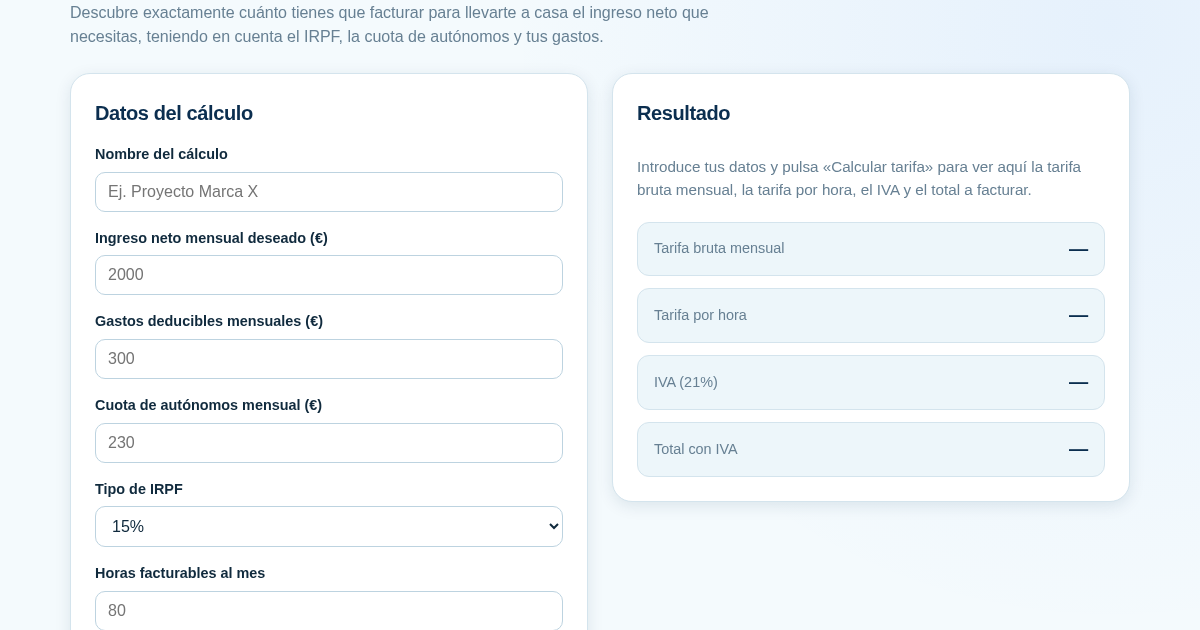
Calculadora de Tarifas para Autónomos
Muchos autónomos fijan sus tarifas sin saber cuánto necesitan facturar realmente para alcanzar el ingreso neto que quieren. Esta calculadora parte del neto mensual deseado y calcula la facturación bruta necesaria…
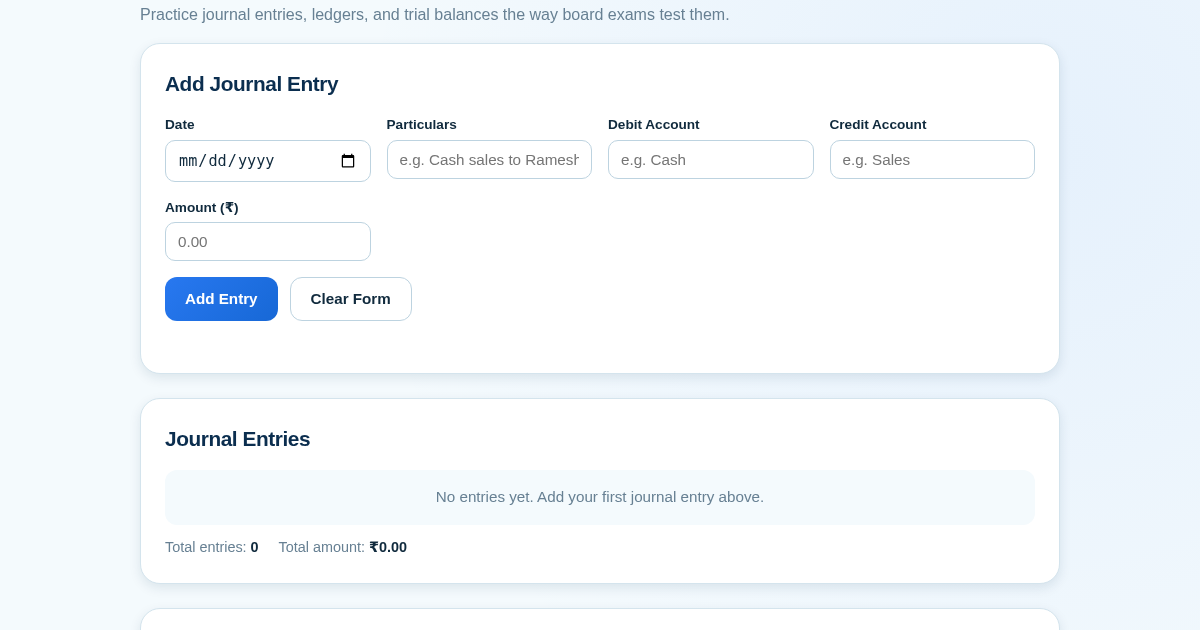
Ledger & Trial Balance Practice Tool
Commerce students in Class 10-12 need to practice journal entries and see how they flow into ledgers, trial balances, and balance sheets for board exams. This tool lets them enter transactions and instantly see the…
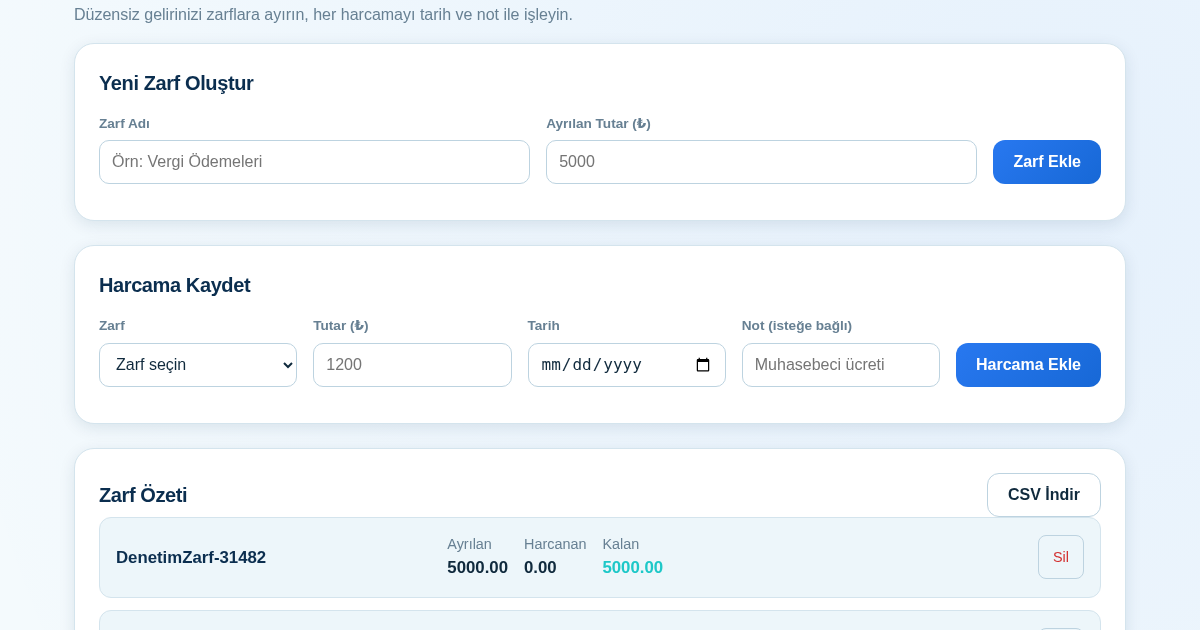
KASA - Serbest Çalışanlar İçin Zarf Bütçesi
Serbest çalışanlar düzensiz gelirlerini vergi, kira ve yaşam giderleri gibi zarflara bölerek bütçelerini düzenli tutabilir. Her harcamayı tarih ve not ile ilgili zarfa işleyerek ne kadar ayırdığını ve ne kadar…
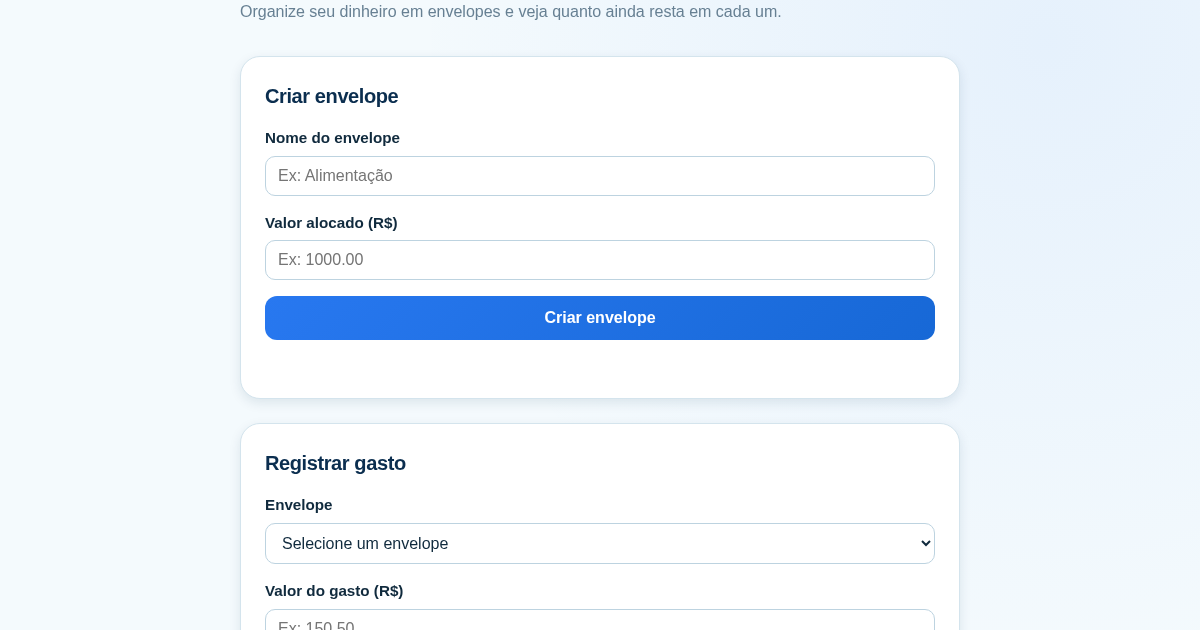
Calculadora de Orçamento por Envelopes (Pix)
Este aplicativo ajuda brasileiros a organizar seu dinheiro em envelopes de orçamento, como alimentação, transporte e lazer, sem precisar conectar uma conta bancária. Ele resolve o problema de controlar gastos do dia a…